How to Use an Online Stopwatch: Lap vs Split Times Explained
What lap and split times really mean, when each one matters, and how to time workouts, study sessions and anything else accurately in your browser.
By Mubasher Hussain · Published 2026-09-09 · Updated 2026-09-01 · 1007 words · about 4 minute read
A stopwatch seems like the simplest tool in the world, press start, press stop, but the moment you need to time more than one thing at once, two words start to matter: lap and split. Getting them straight is the difference between useful timing data and a single number you cannot do much with. This guide explains what lap and split times mean, when each is the one you want, and how to time real activities accurately with the free Online Stopwatch.
Lap time versus split time
The confusion comes from the fact that a stopwatch can report two different things each time you press the lap button, and different fields of use borrow the words differently. Here is the clear version. The split time (sometimes called the cumulative or total time) is the running clock measured from the very start. The lap time is how long the most recent segment took on its own, that is, the time since the previous press. If you start a stopwatch and press lap at 30 seconds and again at 70 seconds, your splits are 0:30 and 1:10, while your lap times are 0:30 and 0:40.
| Press | Split (total) | Lap (segment) |
|---|---|---|
| 1st lap | 0:30 | 0:30 |
| 2nd lap | 1:10 | 0:40 |
| 3rd lap | 1:45 | 0:35 |
A runner doing four laps of a track cares about lap times, they want to know if lap three slowed down. A swimmer or a project manager tracking total elapsed time cares about the split. A good stopwatch shows both side by side so you never have to subtract in your head, which is exactly what this one does.
When to use which
Reach for lap times when each segment is a comparable unit and you want to spot variation: interval training, lifting sets, repeated drills, timed rounds. Reach for split times when segments build toward a whole and you care about pace against a target: a long run broken into kilometres, stages of a recipe, sections of a presentation you are rehearsing against a time limit. Because the tool records both for every press, you can decide after the fact which number tells the story.
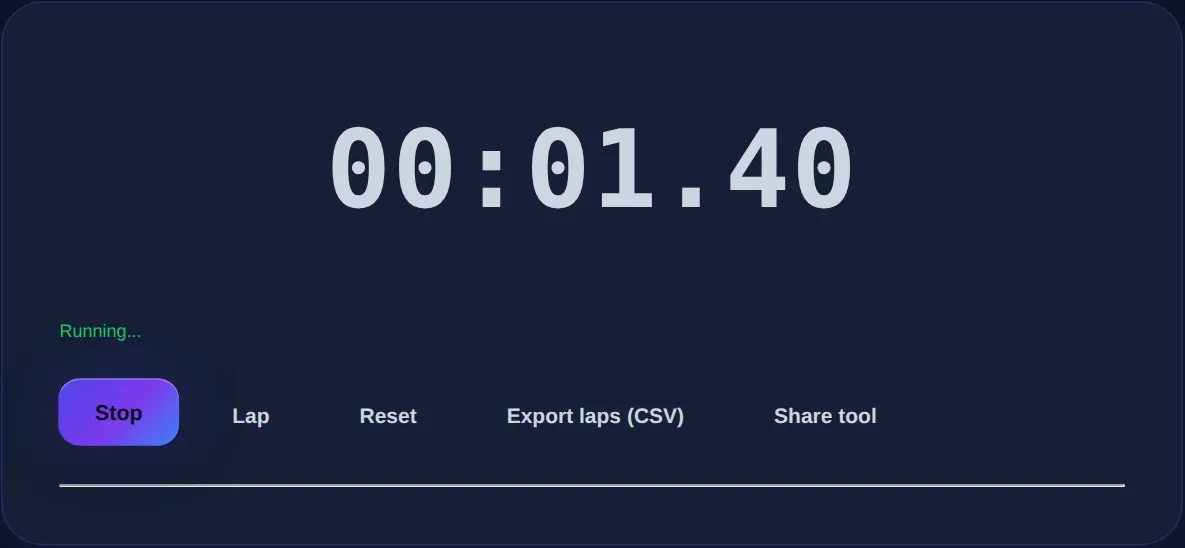
Precise to a hundredth of a second, with a lap and split table, space-bar and L-key control, and one-click CSV export of every lap.
How stopwatch precision actually works
You might expect a stopwatch to count ticks, but counting is exactly what makes cheap timers drift. A well-built browser stopwatch instead reads the device's high-resolution clock and calculates the difference between the moment you started and now. That means pausing and resuming never accumulates error, and the elapsed time stays correct even if the tab is busy or briefly backgrounded. The display refreshes many times a second for a smooth readout, but the underlying time is measured, not tallied, which is why the hundredths of a second never stutter or fall behind.
Timing hands-free with the keyboard
When you are timing something physical, reaching for the mouse is slow and error-prone. Keyboard control fixes that: the space bar starts and stops, and the L key records a lap. You can rest a finger on the space bar while you rehearse a speech, or tap L at the end of each set without looking. This small feature is what turns a stopwatch from a toy into a genuinely useful measurement tool.
Getting your laps out: CSV export
A list of laps on screen is handy in the moment, but the value often comes later, charting your pace across a workout, comparing this week's intervals to last week's, or logging rehearsal times. Exporting your laps to a CSV file lets you open them in any spreadsheet and analyse them properly. Because everything runs locally, that export happens on your device with nothing uploaded, so timing a private training session or a confidential rehearsal stays entirely yours.
Practical timing tips
- Start the clock a beat before the action and note it, reaction time on the start is your largest source of error.
- For intervals, press lap at the same reference point every time (the same line, the same rep) so lap times are comparable.
- Use split times when you have a target finish and want to know if you are ahead or behind partway through.
- Export and keep your laps, trends across sessions tell you far more than any single time.
Stopwatch, countdown or Pomodoro?
A stopwatch counts up from zero and is right when you want to measure how long something takes. When you instead want to count down to a deadline, a boiling egg, a timed exam, a speaking slot, the Countdown Timer is the better fit. And when the goal is focused work in fixed blocks with breaks, the Pomodoro Timer structures the whole session for you. They are three views of time, up, down and in blocks, and the right one depends on the question you are asking.
Common questions
Does the stopwatch keep running if I switch tabs? Yes, because it measures against the system clock rather than counting in the foreground, elapsed time stays accurate. What is the difference between a lap and a split again? The lap is the length of one segment; the split is the total time since the start. This tool shows both for every lap. Can I use it on my phone? Yes, it works in any mobile browser, and you can tap the on-screen buttons instead of the keyboard. Is any data sent anywhere? No, timing and export run entirely on your device.
Whether you are running intervals, rehearsing a talk or timing a recipe, the skill is not pressing start, it is reading the right number afterwards. Keep the Online Stopwatch open, watch your lap times for consistency and your splits for pace, and export the data when a single session becomes a habit worth tracking.