Small Text Explained: Superscript, Subscript and Small Caps
Tiny text is not a smaller font size. It is three separate sets of Unicode characters, each borrowed from a different purpose, and each incomplete.
By Mubasher Hussain · Published 2026-09-11 · Updated 2026-09-01 · 874 words · about 4 minute read
The tiny text people put in bios and usernames looks like a shrunk font, but a plain text box cannot store a font size, so that is not what is happening. Small text is actually three separate sets of Unicode characters that happen to be drawn small. Knowing which is which explains why some letters shrink and others stubbornly do not. You can make all three with the free Small Text Generator.
Three different small alphabets
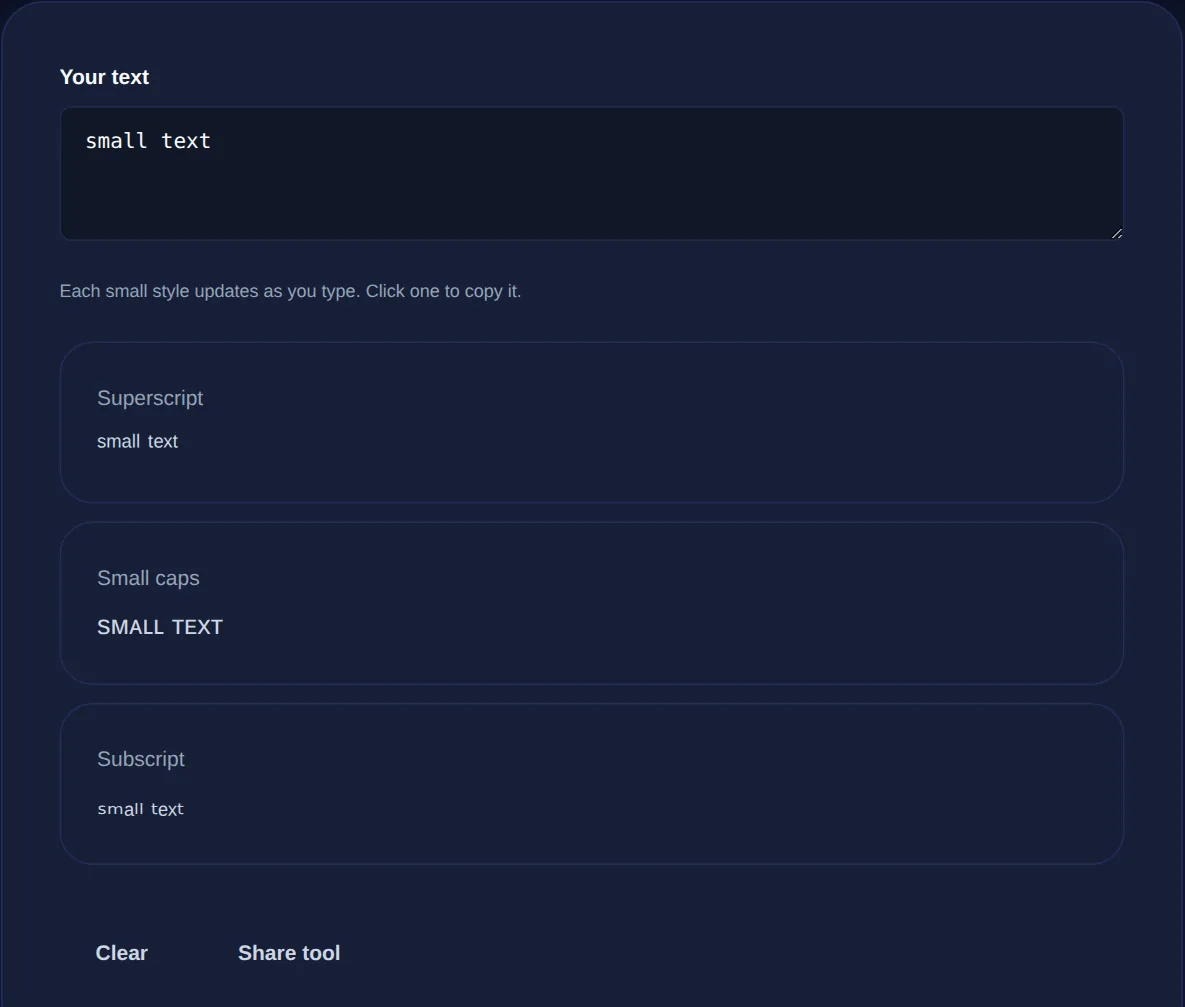
There is no single small alphabet in Unicode. Instead there are three ranges, each created for a different reason, that a small-text tool borrows from. Superscript characters are the raised ones used for footnotes and exponents. Subscript characters are the lowered ones used in chemistry, like the numbers in a chemical formula. Small capitals are miniature uppercase letters used in phonetics and typography. Each looks small, but they sit at different heights and come from different places.
| Style | Originally for | Coverage |
|---|---|---|
| Superscript | Footnotes, exponents | Most letters and all digits |
| Small caps | Phonetics, typography | Full alphabet |
| Subscript | Chemistry, maths | A few letters and all digits |
Why some letters refuse to shrink
This is the part that surprises people. Because these ranges were built for narrow purposes and not as a general alphabet, they are incomplete. Superscript is fairly full for lowercase letters and complete for digits. Small caps covers the whole alphabet well. But subscript is the sparsest by far: only a handful of letters ever got a subscript form, because chemistry and maths simply never needed the rest. So when you convert a word to subscript, any letter without a small version falls back to normal, and the result comes out half shrunk.
That is not a bug in the tool, it is a gap in Unicode itself. The tool leaves the original letter in place rather than inventing a character that does not exist, which is why superscript and small caps give the cleanest results and subscript is best reserved for short strings or numbers.
Type once and copy superscript, small caps or subscript. Real Unicode tiny letters that paste into bios, usernames and posts.
Where small text fits
Tiny text is a subtle aesthetic touch. A superscript tagline under a username, a small-caps label in a bio, a delicate line that reads as understated rather than shouty. It works in most places that accept plain text, because these are real characters and not a font setting, so a bio field or a caption keeps them where it would discard an actual font change.
Small text is genuinely hard to read at length and is announced awkwardly, letter by letter or not at all, by screen readers. It is charming for a username or a one-line label and painful for a paragraph. Use it as a flourish, not for anything a reader actually needs to take in.
A note on the difference from a smaller font
It is worth being clear that small text and a smaller font size are not the same thing, and the difference matters. A smaller font size is a formatting instruction that a rich editor can apply to ordinary letters, and it is fully readable and searchable. Small Unicode text is a swap to different characters, which is what lets it survive a plain box but also what makes it less readable and invisible to search. If you are writing somewhere that has a font size control, use that; the Unicode trick is for the many places that do not.
When small text is the wrong choice
Small text is a decorative flourish, and there are places it quietly backfires. Do not use it for anything a search box needs to match, because a superscript or small-caps word will not be found by a normal search. Avoid it in a display name people need to read aloud or type, and keep it out of anything that must be accessible, since screen readers handle these characters poorly. It is also a poor fit for numbers people must read precisely, like a phone number or a price, where the shrunk digits are easy to misread. Reserve it for the aesthetic touches it is good at, a subtitle in a bio or a subtle label, and use ordinary text everywhere the content actually matters.
Common questions
Is the small text generator free? Yes, with no account or sign-up. Will it work in my bio? Usually yes, because the styles are real Unicode characters; prefer superscript or small caps for the most complete coverage. Why is my subscript half normal? The subscript range only covers a few letters, so the rest fall back to plain. Is my text uploaded? No, everything runs in your browser.
Small text makes sense once you see it as three borrowed alphabets rather than a shrink ray: superscript, small caps and subscript, each useful and each with gaps. Make them with the Small Text Generator, and for the wider family of pasteable styles, try the Fancy Text Generator.