How Strikethrough Text Works (and Why It Pastes Anywhere)
Crossed-out text with no formatting button is not magic. It relies on combining characters, an invisible mark that rides along with each letter.
By Mubasher Hussain · Published 2026-09-11 · Updated 2026-10-03 · 913 words · about 4 minute read
Crossing out text usually needs a formatting toolbar, and most chat boxes, comment fields and bios do not have one. Yet you can paste crossed-out text into them and it stays crossed out. The mechanism is a neat corner of Unicode called combining characters, and once you understand it the whole effect makes sense. You can produce strikethrough instantly with the free Strikethrough Text Generator.
Combining characters, explained
Most characters occupy their own space: type an A and it sits in its own slot. A combining character is different. It has no width of its own and instead attaches to the character immediately before it, modifying how that character is drawn. Accents work this way in many languages, an e followed by a combining acute accent renders as an accented e, and strikethrough uses the same idea with a mark that draws a line across the preceding character.

So to strike through a word, a tool inserts a combining stroke after every visible letter. Each letter now carries its own little line, and because those lines are real characters attached to real letters, the effect travels with the text when you copy and paste it, even into a box that would throw away ordinary formatting.
The different stroke styles
There is more than one combining mark that can cross out text, and they look subtly different. A long stroke overlay draws a continuous horizontal line that reads as one bar through the whole word. A short stroke strikes each letter individually. A solidus overlay puts a diagonal slash through each character rather than a horizontal line. None is more correct than the others; they are simply different marks you can choose between for the look you want.
| Style | Looks like | Good for |
|---|---|---|
| Long stroke | One line through the word | Prices, edits |
| Short stroke | A line on each letter | A denser look |
| Slash through | Diagonal slash | Cancelled or void |
Type once and copy long-stroke, short-stroke or slash-through text. Real combining characters that paste into chat, bios and posts.
Where you would actually use it
Strikethrough carries a specific meaning that plain text cannot: this was true, and now it is not. That makes it useful for showing an old price beside a new one, marking a to-do item as done without deleting it, indicating an edit or correction in a message, or a bit of dry humour where you cross out one word and follow it with another. In all of these, the crossed-out text stays visible, which is the point, you are showing the change, not hiding it.
Because it works through combining characters rather than a formatting button, you can do this in places that have no formatting at all: a comment, a chat message, a profile bio, a spreadsheet cell. That reach is exactly why the technique is popular.
The limits worth knowing
Screen readers do not announce the strike, so to someone listening, crossed-out text reads exactly like normal text. Never rely on strikethrough alone to convey that something is cancelled or wrong if the meaning matters; say it in words too.
A few older apps or unusual fonts render combining strokes imperfectly, so the line may sit slightly high or low, and pasting into a system that normalises text can occasionally drop the marks. For everyday use in modern apps it is reliable, but treat it as a visual effect rather than a guaranteed, meaningful signal, and keep anything important stated in plain words as well.
Unicode strikethrough versus the double-tilde style
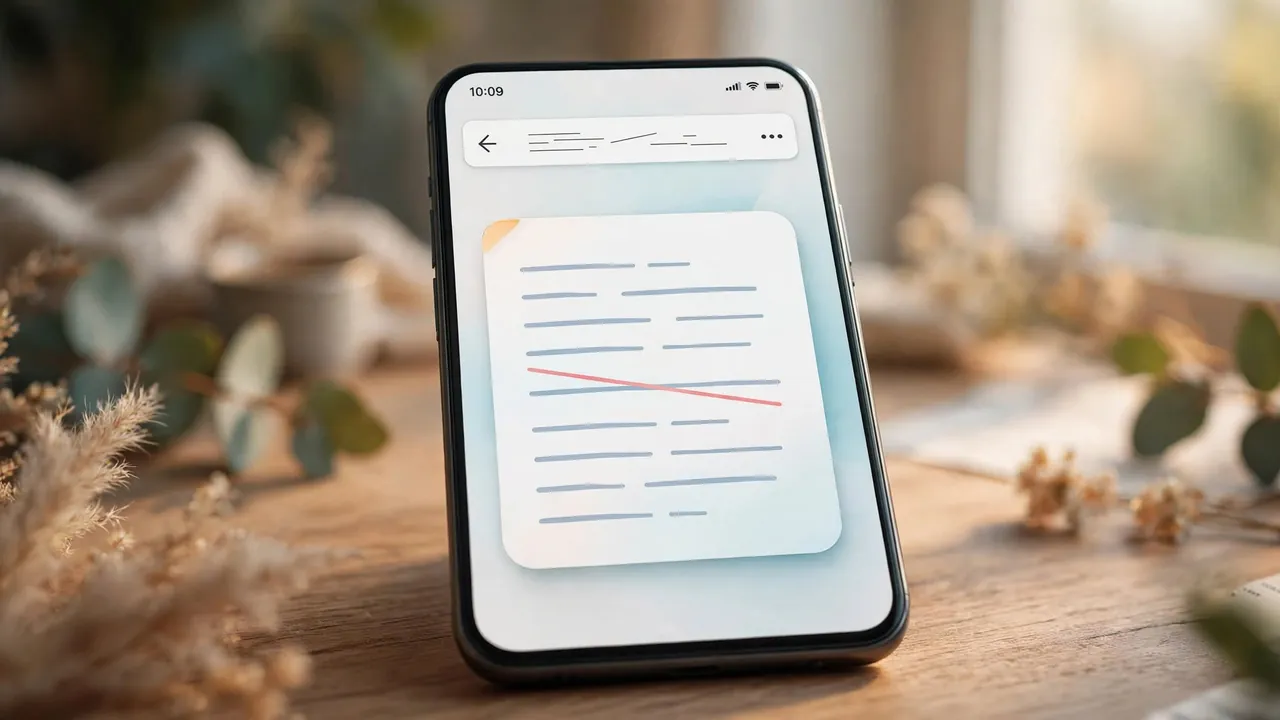
Some apps have their own strikethrough that is not Unicode at all. In Slack, Discord and WhatsApp you can wrap text in tildes and the app renders it struck through using real formatting, which is cleaner and more reliable inside that app. The catch is that the tilde syntax only works in the app that understands it: copy that struck-through text elsewhere and it either loses the effect or shows the raw tildes. Unicode strikethrough is the opposite trade: slightly less crisp, but it travels anywhere because the strike lives in the characters themselves. Use an app's native tilde syntax while you stay inside that app, and Unicode strikethrough when the result has to survive being pasted somewhere else.
Common questions
Is the strikethrough generator free? Yes, with no account or sign-up. Will it work in chat and social apps? Yes in most, because it uses real combining characters rather than formatting; if one mark looks off, try another style. Why does the line sometimes look slightly misaligned? A few fonts position the combining stroke imperfectly; switching style or app usually fixes it. Is my text uploaded? No, the conversion runs entirely in your browser.

Strikethrough is a small effect with a tidy explanation: a combining line attached to each letter, which is why it survives a plain text box. Create it with the Strikethrough Text Generator, and for bold, italic and other pasteable styles, see the Bold Text Generator.