How to Make Bold Text for LinkedIn, Instagram and Anywhere Else
There is no bold button on LinkedIn or Instagram, so the bold text you see is not formatting at all. Here is how it works and when to use it.
By Mubasher Hussain · Published 2026-09-11 · Updated 2026-09-01 · 981 words · about 4 minute read
Open a LinkedIn post box or an Instagram bio and look for the bold button. There is not one. Yet you have seen bold headlines in both, so how do people do it? The answer is that the bold text is not formatting at all, it is a set of different characters that happen to look bold. This guide explains how that works, where it pastes reliably, and when you should avoid it. You can make bold text instantly with the free Bold Text Generator.
Why there is no bold button
In a word processor, bold is an instruction attached to your text: the letters stay the same, and a hidden flag says draw these ones heavier. That flag has to be stored somewhere alongside the text. Social boxes like LinkedIn, Instagram and most chat apps deliberately accept only plain text, with nowhere to keep that flag, so if you paste bold text copied from a document, the box keeps the letters and discards the bold. That is why there is no bold button: the field has no way to store what it would do.
Bold text generators get around this by never using formatting in the first place. Instead of taking the letter B and flagging it as bold, they swap it for a completely different character that was designed to look like a bold B and already exists in Unicode.
Where the bold characters come from
Unicode, the universal catalogue of characters, includes a block called Mathematical Alphanumeric Symbols. It was created so mathematicians could write a bold vector or a bold matrix and have it mean something precise, and it contains complete bold alphabets as real, separate characters: a bold serif set, a bold sans-serif set, bold italic, bold script and bold fraktur. A bold text tool simply maps each letter you type to its counterpart in one of these sets.
So when you paste a bold headline into LinkedIn, you are not sending a bold command, you are sending genuine bold characters. The box has nothing to strip, because the boldness is baked into the characters themselves. That is the whole reason it survives where copied-from-Word bold does not.
| Style | Best for | Note |
|---|---|---|
| Bold serif | Headlines, most complete | Includes digits |
| Bold sans | Clean modern look | Includes digits |
| Bold italic | Emphasis with slant | Letters only |
| Bold script | Decorative flourishes | Letters only |
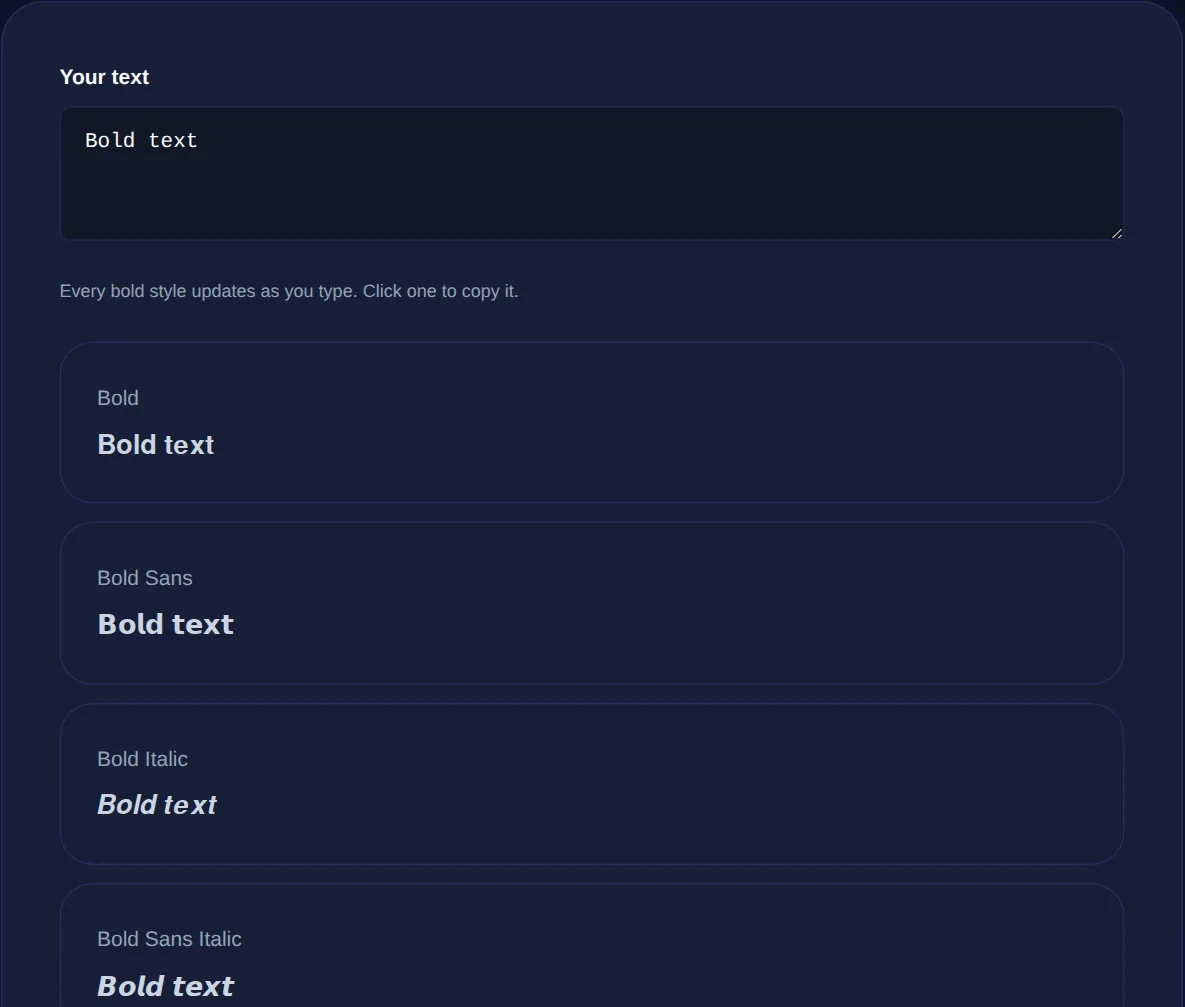
Type once and copy bold serif, bold sans, bold italic, bold script or bold fraktur. Pastes into LinkedIn, Instagram and other boxes with no bold button.
Where it works and where it breaks
Because these are standard Unicode characters, they paste into most places that accept plain text: LinkedIn posts and headlines, Instagram bios and captions, Facebook, X, WhatsApp, Discord and many more. Occasionally a platform filters certain ranges, or a device lacks the glyph and shows an empty box, in which case a different bold style, usually bold serif or bold sans, renders where a fancier one does not.
One thing worth checking is that the destination actually allows the characters at all. A handful of forms sanitise input down to basic Latin letters and will drop them; if your bold text vanishes on posting, that field is one of the strict ones and there is no workaround short of plain text.
Use it sparingly, and here is why
Screen readers announce these as mathematical characters, so a bold word can be read aloud as a string of symbol names. Search engines also treat them as different characters, so bold Unicode is effectively invisible to search and to LinkedIn's own search. Keep it to a headline or a single standout word, never a whole post.
The practical rule is emphasis, not body text. A bold first line on a LinkedIn post catches the eye in the feed; a bold key phrase in a bio stands out. But a whole paragraph in bold Unicode is genuinely harder to read, unfriendly to anyone using a screen reader, and unsearchable. Used as a highlight it is effective, used everywhere it works against you.
Which platforms keep bold and which strip it
In practice, LinkedIn, Instagram, Facebook, X, WhatsApp, Telegram, Discord and most forums keep bold Unicode, because they store and show whatever characters you paste. The places that strip it are the ones that sanitise input down to plain Latin letters: some sign-up forms, certain content-management fields, and search boxes that normalise your query. A quick test tells you which kind you are dealing with. Paste a bold word, post or save, then reload. If it survives the reload it is stored correctly; if it reverts to plain, that field is sanitising and no bold style will stick. It is worth doing this once on a new platform before you rely on bold in something that matters, like a headline.
Common questions
Is the bold text generator free? Yes, with no account or sign-up. Will it work on LinkedIn and Instagram? Yes for the most part, because these are real characters rather than formatting; if one style does not show, try bold serif or bold sans. Why do numbers or some letters stay normal? Some bold ranges omit digits or a few letters, so anything without a bold version falls back to plain. Is my text uploaded? No, everything runs in your browser.
Bold text on social media is a small trick with a clear mechanism: not a button you are missing, but real bold characters you can paste. Make them with the Bold Text Generator, and if you want the full range of decorative styles beyond bold, the Fancy Text Generator covers those too.