The Case for a Quick Digital Notepad in Your Browser
Why a friction-free place to jot things down beats a full app, and how capturing thoughts fast makes you more productive.
By Mubasher Hussain · Published 2026-07-31 · Updated 2026-09-01 · 1127 words · about 5 minute read
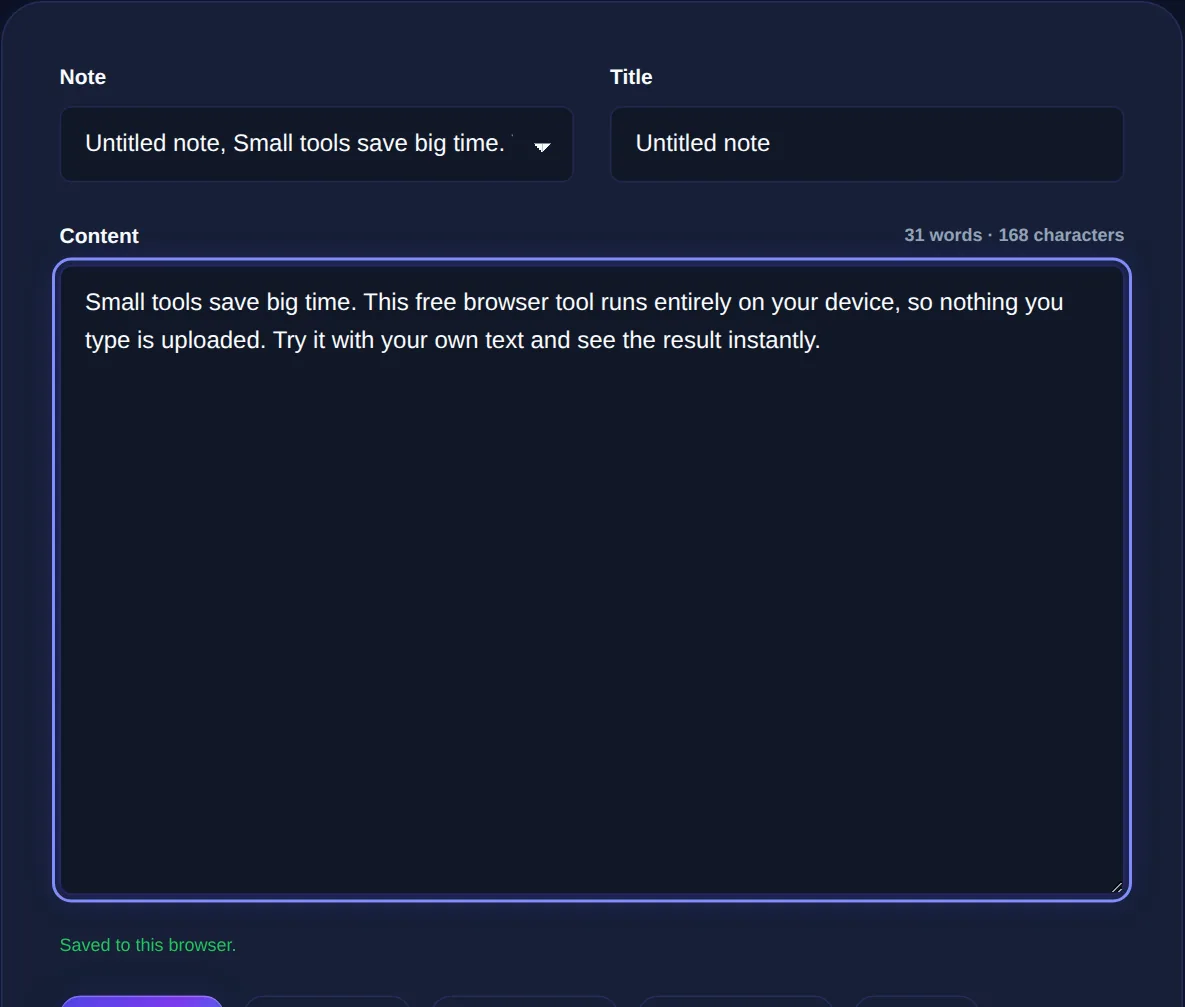
A digital notepad is a plain, no-frills place to type, no accounts, no formatting decisions, no setup, just a blank space that holds your text. It sounds unremarkable, but a quick notepad you can open instantly in a browser tab solves a real problem: the friction of capturing a thought before it disappears. The Notepad gives you exactly this, saving what you type locally in your browser, and this article makes the case for keeping one within reach.
The value of a quick notepad is speed and simplicity. The moment capturing an idea requires opening an app, choosing a notebook, and deciding on formatting, you have added enough friction that many thoughts are lost before you record them. A blank tab removes that friction entirely.
Why fast capture matters
Good ideas and important reminders arrive at inconvenient moments and vanish just as quickly. The half-formed solution to a problem, the thing you must not forget to do later, the phone number read aloud, the sentence you want to remember, these have a short shelf life in working memory. If capturing them is even slightly effortful, you will often decide it is not worth it, and the thought is gone. A notepad that is one tab away, always ready, means the cost of capture is near zero, so you actually record things instead of trusting a memory that will let you down. Fast, frictionless capture is the whole point.
Freeing your mind to focus
Beyond not losing ideas, quick capture has a focus benefit. When a stray thought intrudes while you are concentrating, 'I need to email so-and-so', 'what about that other project', you face a choice: act on it now and break your focus, or try to hold it in mind, which also distracts you. Jotting it in a notepad resolves the dilemma: the thought is safely captured, so you can dismiss it and return to what you were doing, confident it will not be lost. This is the same principle behind emptying your head onto a to-do list, applied to the messier stream of thoughts that are not quite tasks. A notepad is a holding pen for anything on your mind, and clearing your mind into it is what lets you concentrate.
The absence of formatting, folders and features is why a quick notepad is fast. Heavyweight note apps are great for organised, permanent knowledge, but for 'get this out of my head right now', their setup and choices are friction. Keep both, the app for keeping, the notepad for catching.
When a notepad beats a full app
Dedicated note apps are powerful and have their place for building an organised, lasting knowledge base. But for a large share of everyday jotting, they are overkill, and their very richness is a cost, every folder, tag and formatting option is a small decision that slows capture. A quick notepad wins whenever speed matters more than organisation: temporary text you will use and discard, a scratch space for drafting a message, a place to paste something while you move it between apps, a rough working area for thinking. Matching the tool to the job, the notepad for fast and temporary, the app for organised and permanent, gets you the best of both.
Everyday uses for a quick notepad
Once you have a frictionless notepad handy, you find endless uses for it:
- Jotting a thought or reminder before it slips away.
- A scratch space to draft an email or message before sending.
- Temporarily holding text while moving it between applications.
- Rough thinking, brainstorming, working through a problem in words.
- Stripping formatting by pasting rich text in and copying plain text out.
A distraction-free notepad that saves in your browser, ready in a tab whenever a thought needs catching. Your notes never leave your device.
The notepad among your other tools
A quick notepad complements the more structured productivity tools. When a note turns out to be a task, it belongs on a todo list; when rough notes become something you want to format, a markdown preview turns them into structured text; and when a note grows into real writing, a word counter helps you gauge its length. The notepad is where things start, the frictionless first capture before an idea becomes anything more.
The notepad as a thinking space
Beyond catching stray thoughts, a blank notepad is a surprisingly good place to think. There is a long tradition, from writers to engineers, of thinking on paper, getting half-formed ideas out of your head and into words where you can actually look at them, rearrange them and develop them. A tangled problem often becomes clearer the moment you start typing it out, because writing forces the vague into the specific and reveals the gaps in your reasoning. A frictionless notepad, with no formatting to fuss over and nothing to set up, is ideal for this kind of exploratory thinking precisely because it does not interrupt the flow of thought with decisions.
This is a different mode from note-taking as record-keeping. Here the notepad is a scratchpad for the process of thinking itself, and much of what you write in it is disposable, the value was in writing it, not in keeping it. Drafting a difficult message you are not sure how to phrase, brainstorming options before a decision, talking yourself through a problem, listing the pros and cons rattling around your head: all of these benefit from a space where you can type freely, messily and privately, without committing to anything. Because a browser notepad saves locally and uploads nothing, it is a safe place for exactly this kind of unguarded thinking-in-progress, including the tentative, unpolished or sensitive thoughts you would never put into a shared document. Treating the notepad not just as a catcher of reminders but as an open thinking space is one of the most valuable ways to use it, and it costs nothing but a blank tab.
Because the notepad saves locally in your browser and never uploads what you type, it is also a safe place for anything sensitive you are jotting down, a private thought, a draft you are not ready to share, information you would not paste into an online service. To sum up: a quick digital notepad matters because it removes the friction of capturing thoughts, so you actually record the ideas and reminders that would otherwise vanish, and because offloading stray thoughts frees your mind to focus. Keep one a tab away for fast, temporary, private jotting, and reserve heavier apps for organised, permanent notes.