What does a matching checksum actually prove?
It reliably catches corruption. It proves considerably less about tampering than most people assume, and the reason is worth understanding.
By Mubasher Hussain · Published 2026-03-11 · Updated 2026-10-03 · 1127 words · about 5 minute read

You download a Linux ISO. The page lists a SHA-256 checksum. You compute the hash of your download, it matches, and you feel reassured.
You should, but about a narrower thing than you probably think. A matching checksum proves your copy is byte-for-byte identical to the file the hash was computed from. It does not, on its own, prove that file was the one the project intended to publish.
What it genuinely proves
A cryptographic hash maps any input to a fixed-size digest such that the same input always produces the same output, and any change, even a single flipped bit, produces a completely different output.
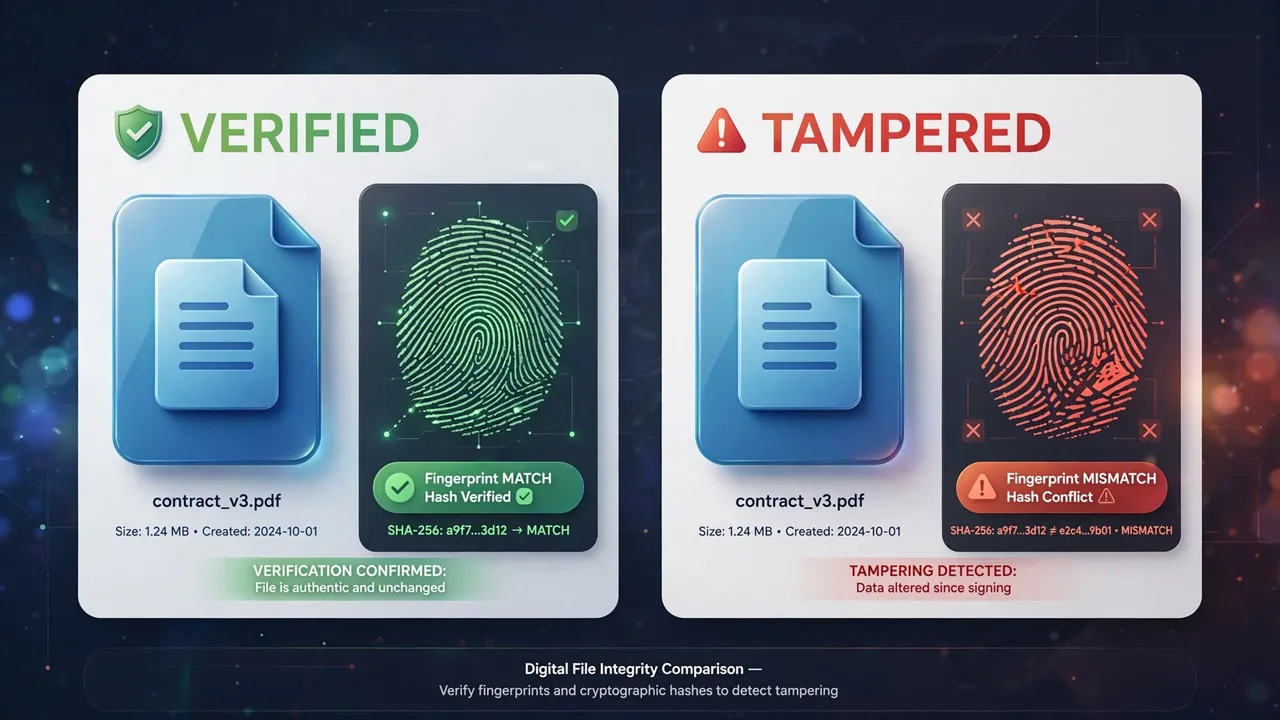
That makes checksums excellent at catching:
- Truncated downloads, where the connection dropped partway.
- Bit rot on storage media.
- Transmission errors that slipped past lower-level error correction.
- Accidentally grabbing the wrong file or an outdated version.
These are the everyday cases, they are real, and verification is genuinely worth doing for them. A 4GB ISO that fails to boot after a two-hour install is a bad afternoon that a thirty-second hash check would have prevented.
The gap
Now consider an attacker who has compromised the download server. They replace the ISO with a backdoored version.
Can they also replace the checksum on the download page? Almost certainly yes, it is on the same server they just compromised. You would then compute the hash of the malicious file, compare it against the malicious hash, get a match, and conclude everything is fine.
A checksum published in the same place as the file it describes provides no protection against anyone who can modify both. It defends against accidents, not adversaries.
This is not a hypothetical concern. Compromised mirrors and poisoned download pages have been used in real supply-chain attacks against widely used software.
What closes the gap
Three things, in increasing order of strength:
- A different channel. If the hash is published somewhere the attacker would also have to compromise separately, a different domain, the project's social account, a package manager's metadata, a match becomes meaningfully more informative.
- A cryptographic signature. Serious projects publish a signed hash file (usually GPG). Verifying the signature proves the hash came from someone holding the project's private key, which the server compromise alone does not grant.
- A pre-established trust anchor. The signature only helps if you obtained the project's public key through a trustworthy path, from a keyserver you verified previously, from your distribution's keyring, or in person. Downloading the key from the same compromised page proves nothing.
This is why the instruction is usually "verify the signature on the checksum file" rather than "check the checksum". The extra step is the one doing the security work.
Hash a local file and compare it against a published checksum, or compare two hashes directly. Uses constant-time comparison and detects the algorithm from digest length. The file is read in your browser and never uploaded.
Which algorithm, and why MD5 is finished
You will still encounter MD5 and SHA-1 checksums. Both are broken for collision resistance, meaning it is computationally feasible to construct two different files with the same digest.
| Algorithm | Digest length | Status | Use for |
|---|---|---|---|
| MD5 | 32 hex chars | Broken since 2004 | Accidental corruption only |
| SHA-1 | 40 hex chars | Collision demonstrated 2017 | Legacy compatibility only |
| SHA-256 | 64 hex chars | Secure | Default choice |
| SHA-512 | 128 hex chars | Secure | Where speed on 64-bit matters |
The 2017 SHAttered attack produced two different PDF files with an identical SHA-1 hash. For MD5, collisions can be generated on a laptop in seconds. Neither should be relied on where an adversary is involved.
They remain adequate for detecting accidental corruption, which is why Git still uses SHA-1 for object identifiers, Git's threat model there is disk errors, not attackers, and it has been migrating to SHA-256 regardless.
The distinction that matters
Worth being precise about two different properties:

- Collision resistance: hard to find any two inputs with the same hash. This is what MD5 and SHA-1 have lost.
- Preimage resistance: hard to find an input producing a specific target hash. MD5 and SHA-1 technically still hold here.
For verifying a download, preimage resistance is arguably the relevant property, which is why an MD5 checksum is not quite as useless as it sounds. But there is no reason to accept the weaker guarantee when SHA-256 costs nothing extra.
And never for passwords
One thing hashes are emphatically not for: storing passwords. SHA-256 is designed to be fast, and fast is precisely wrong here, modern hardware computes billions of SHA-256 hashes per second, so a stolen database of SHA-256 password hashes falls quickly.
Password storage needs a deliberately slow, memory-hard, salted function: Argon2id, scrypt or bcrypt. Adding a salt to SHA-256 defeats rainbow tables but does nothing about the speed problem, which is the actual issue.
A practical routine
- Download the file and the checksum file.
- If a signature is published, verify it first, that is the step doing the real work.
- Compute the hash of your download and compare.
- If they differ, do not assume malice. Re-download first: truncation is far more common than attack.
What a checksum cannot tell you
A matching checksum is powerful but narrow: it proves that the file you have is bit-for-bit identical to the one whose hash you were given. That is exactly what you want for detecting accidental corruption during a download or transfer, because even a single flipped bit produces a completely different hash. But it proves nothing about where that reference hash came from. If an attacker can replace both the file and the published checksum, the two will match perfectly while the file is malicious.
This is why checksums for security-sensitive downloads are often accompanied by a cryptographic signature, which ties the hash to a verifiable identity, or published over a trusted channel separate from the file itself. It is also why the algorithm matters: older functions like MD5 and SHA-1 can be deliberately fooled into producing collisions and should not be relied on for security, while SHA-256 remains sound. A checksum verifies integrity against accident; it verifies authenticity only when you can trust the source of the hash.
And if a project publishes only a bare MD5 with no signature, that tells you something about how much attention it pays to supply-chain security generally.