How QR Codes Work and How to Make One
A QR code is a square barcode that stores data, most often a web link, which a phone camera can read in an instant. Here is how QR codes work and how to make your own for free.
By Mubasher Hussain · Published 2026-08-02 · Updated 2026-10-03 · 1426 words · about 6 minute read
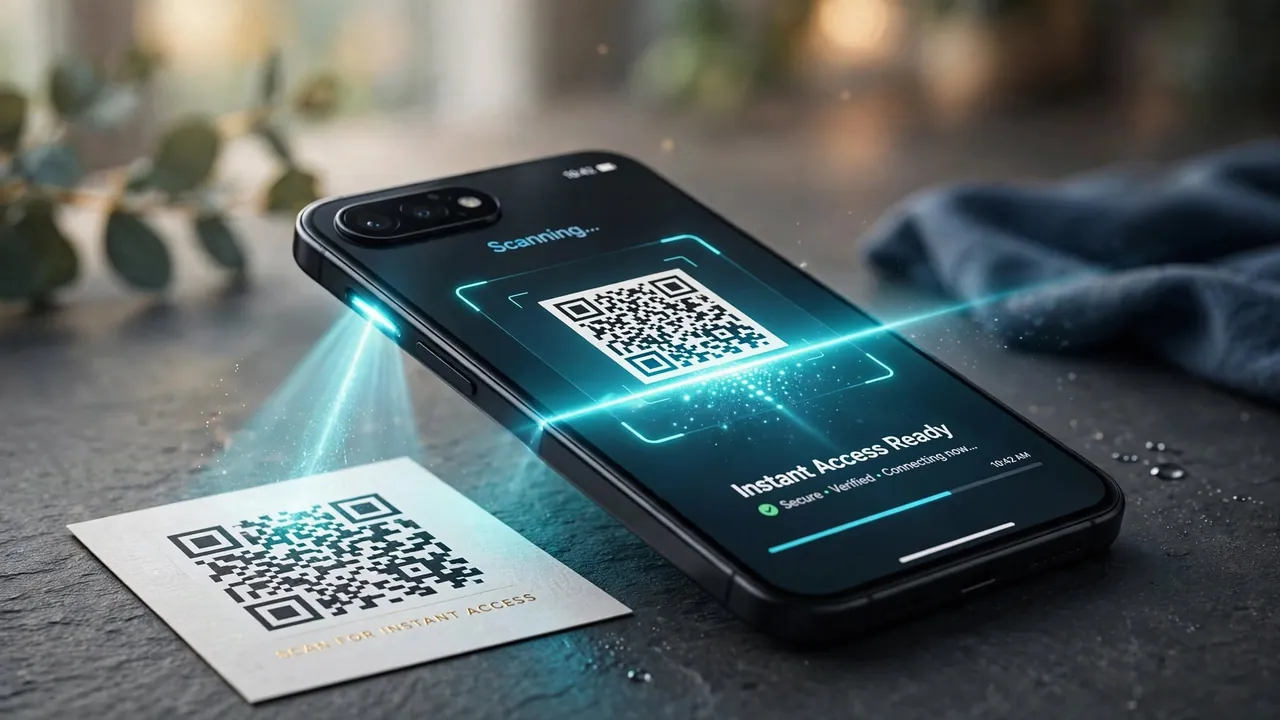
A QR code is a square grid of black and white cells that stores information a camera can read in an instant, most often a web address, but also text, contact details, Wi-Fi credentials and more. Point a phone at one and it decodes the pattern and acts on it. The QR Code Generator turns any text or link into a scannable code in your browser, and this article explains how QR codes work and how to make one that reliably scans.
QR codes went from novelty to everyday infrastructure, appearing on menus, posters, packaging and payment screens. Understanding what they store and why they are so robust helps you create ones that work the first time, every time.
What a QR code actually stores
Despite looking like abstract art, a QR code is a precise two-dimensional encoding of data. The black and white cells, called modules, represent binary ones and zeros arranged in a grid. Special patterns in three corners, the large square "finder" patterns, let a scanner locate and orient the code no matter which way up it is held. The rest of the grid holds the actual data plus error-correction information. When you encode a URL, the characters of that URL are converted into this pattern of modules according to the QR standard.

Why QR codes survive damage
One of the cleverest features of QR codes is built-in error correction. The code deliberately stores redundant information, so that even if part of it is dirty, torn, or covered, up to around 30% depending on the error-correction level chosen, a scanner can still reconstruct the full data. This is why a QR code with a logo placed in the middle still works, and why codes on weathered posters keep scanning. When you generate a code you can often choose the error-correction level: higher correction means a busier, denser code but more resilience.
The more information you pack into a QR code, the more modules it needs and the denser it becomes, harder to scan at a distance or at small print sizes. For links, keep the URL short. A long URL makes a cluttered code; a short one makes a clean, easily-scanned code.
Keeping the encoded URL short
Because code density grows with the amount of data, the length of the URL you encode directly affects how clean and scannable the result is. A long link full of tracking parameters produces a dense, fiddly code; a short, tidy link produces a sparse, robust one. This is a good reason to tidy your URLs before encoding, strip unnecessary parameters, and consider a clean, human-readable path. A well-formed slug and correct URL encoding both help produce the shortest, cleanest link to encode.
Static versus dynamic codes
There are two philosophies for QR codes. A static code encodes the destination directly, so the data, say, a URL, is baked permanently into the pattern; it never expires and needs no service to keep working, but you cannot change where it points after printing. A dynamic code encodes a short redirect link that forwards to a destination you can change later, which is convenient for campaigns but depends on a third-party service staying alive. For most personal and small-business uses, a static code is simpler and more reliable: what you generate is exactly what people scan, with nothing that can stop working later.
Making a code that scans reliably
A few practical habits ensure your code works in the real world:
- Keep good contrast, dark modules on a light background. Low-contrast or inverted codes often fail.
- Leave the "quiet zone", the blank margin around the code; scanners need it to detect the edges.
- Print it large enough for the scanning distance, a code on a billboard must be far bigger than one on a business card.
- Test it with more than one phone before printing thousands of copies.
- Avoid stretching or distorting the square; it must stay a true square to scan.
Turn any link or text into a scannable QR code, entirely in your browser. Nothing is uploaded, so even private links stay on your device.
Common uses and privacy
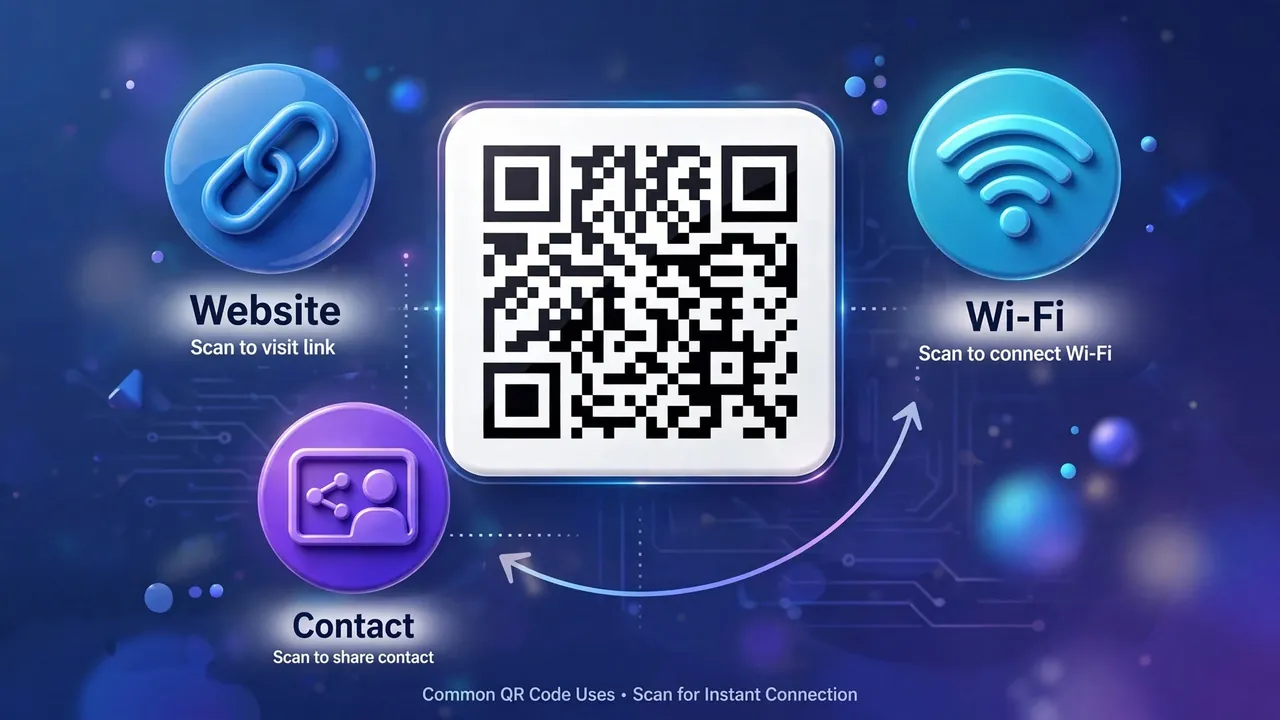
QR codes shine wherever you want to bridge the physical and digital worlds without making someone type: a menu link on a restaurant table, a Wi-Fi password guests can join with one scan, contact details on a business card, a link to a product manual on packaging. Because the generator runs entirely in your browser, the data you encode, which might be a private Wi-Fi password or an unpublished link, is never sent to a server. For a two-dimensional code that stores far more than a traditional stripe barcode, that local generation is a genuine privacy advantage over sites that build the code on their servers.
What else a QR code can hold
Although most QR codes people scan point to a web address, the format can encode several other kinds of data, each triggering a helpful action on the phone. A code can carry Wi-Fi credentials so a guest joins your network with one scan instead of typing a long password. It can hold contact details in a standard format, so scanning adds the person straight to the address book. It can encode plain text, a phone number that offers to dial, an email that pre-fills a message, or a calendar event. Knowing this expands what QR codes are useful for well beyond linking to pages.
The practical consideration is the same in every case: the more information you encode, the denser and harder to scan the code becomes, so favour the most compact form of the data. A Wi-Fi code, for instance, is inherently longer than a short URL, which is why Wi-Fi QR codes look busier. For anything you want scanned quickly from a distance or printed small, keep the payload minimal, a short link, a brief piece of text, and reserve the data-heavy uses for codes that will be scanned up close. Matching the amount of data to how the code will be scanned is the single biggest factor in whether it works smoothly in practice.
How much data can a QR code hold?
A QR code is not a fixed size. The standard defines forty versions, from a tiny 21 by 21 grid up to a dense 177 by 177 one, and the encoder picks the smallest version that fits your data at the error-correction level you chose. Capacity depends on the type of data: the largest version can hold roughly 7,000 digits, about 4,300 letters and symbols, or around 2,950 bytes. In practice you will never approach those limits with a link, and you should not try to, because every extra module makes the code denser and harder to scan. Treat the capacity as a ceiling to stay well under, not a target to fill.
Before you scan: a note on safety
Because a QR code hides its destination behind a pattern, it can point somewhere you would not have chosen if you had seen the address written out. Attackers exploit this by pasting their own codes over legitimate ones on parking meters, posters and payment signs, a trick often called quishing. The defence is simple: let your phone show the decoded link before it opens, and read it the way you would read any link, checking the real domain first. Treat a scanned link that asks for a password, a payment or a login exactly as you would treat an unexpected email doing the same, with suspicion. Generating your own codes is completely safe; the caution is only for codes you did not create.

To sum up: a QR code is a robust two-dimensional grid that encodes data, usually a URL, with built-in error correction that lets it survive damage and even a centred logo. Keep the encoded data short for a clean, scannable code, maintain contrast and the quiet-zone margin, prefer static codes for reliability, and always test before printing. Do that and QR codes become a dependable, instant link between print and screen.